When purchasing used internal micrometers (often called Holtests) that do not include their original setting rings, verifying their condition is critical. Often, a micrometer that appears “out of spec” is simply dirty. Even a microscopic layer of dried oil or dust on the contact points can offset a reading by 0.005mm or more.
Here is how to safely clean and functionally check your instrument without damaging it.
1. The Correct Cleaning Method
Unlike standard 2-point micrometers, you cannot perform a “paper pull” test on these tools because the anvils expand outwards. Instead, use the “Wipe Method” to remove fine grit and oil residue without using abrasives.
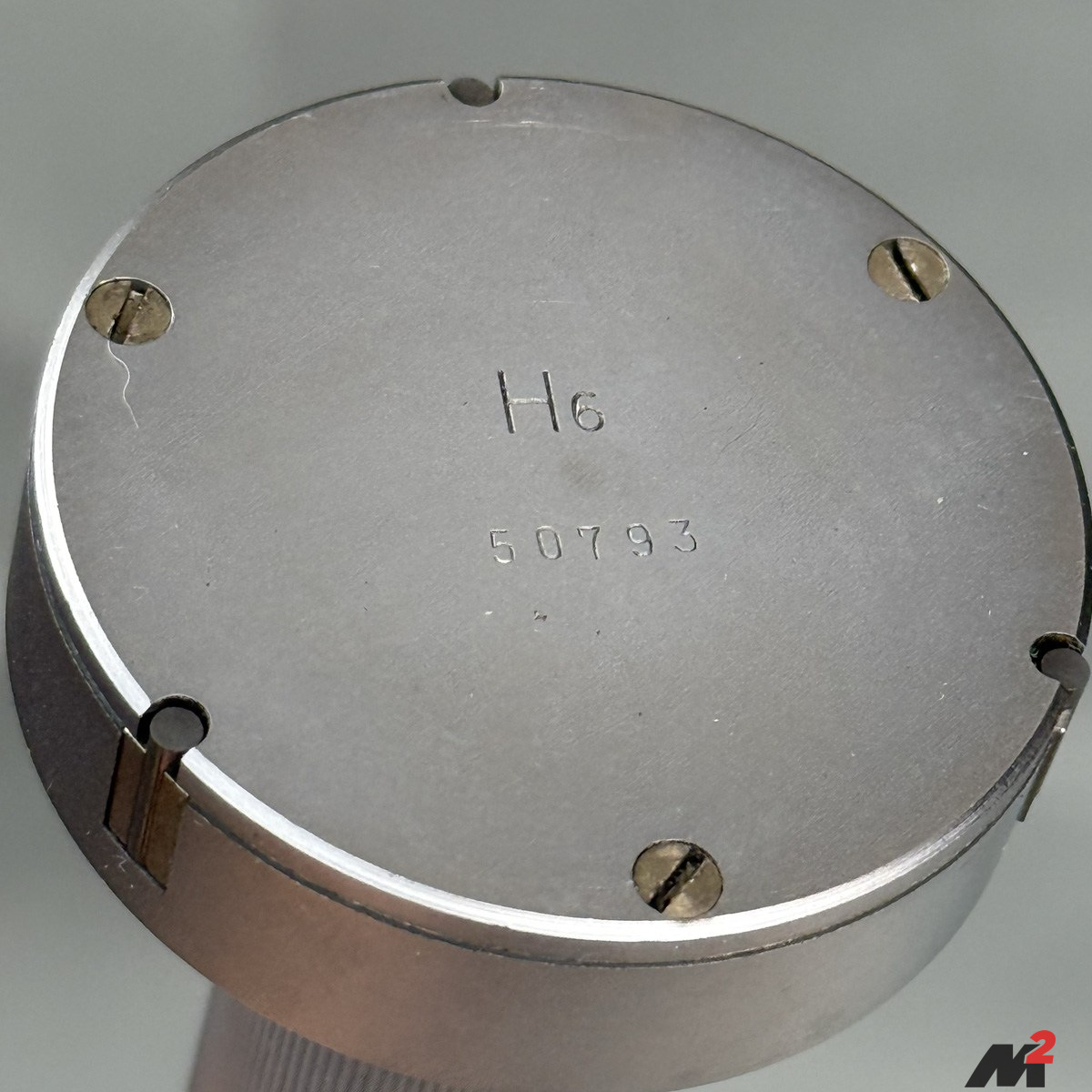
- Extend the Anvils: Rotate the thimble until the three measuring anvils are slightly extended (protruding fully from the head).
- Prepare the Paper: Take a piece of clean, high-quality printer paper. Apply a small amount of residue-free solvent (like Isopropyl Alcohol) to the paper. Do not use a rag, as cloth leaves lint behind which causes sticking.
- Wipe the Faces: Manually wipe each of the three anvil faces individually, using your thumb to press the paper firmly against the carbide face. You will likely see dark streaks on the paper—this is the oxidation and dirt that causes measurement errors.
- Dry: Repeat the process with a dry piece of paper to remove any remaining solvent.
- Inspect: Check the anvils under a bright light. They should look bright, polished, and free of any dark spots or gummy residue.
2. The Mechanical Health Check
Since you cannot verify the absolute calibration without a certified ring, you must verify the repeatability and mechanical health of the tool.
- Smoothness: Rotate the thimble through its full range. It should feel buttery smooth with no gritty “catches” or varying resistance. If you feel grit, dried coolant may have worked its way into the internal cone mechanism.
- Anvil Return: When you retract the thimble, the anvils should retract instantly. If they stick or lag, the internal springs may be weak or gummed up with old oil.
- Ratchet Consistency: The ratchet stop should click crisply. If it slips silently or feels “mushy,” the spring tension is gone, and the tool will not provide consistent readings between different operators.
3. The “Bearing Race” Sanity Check
Important: Do not try to check this tool using a standard Outside Micrometer. The 3-point geometry (120° spacing) makes it impossible to measure correctly with flat parallel jaws.
If you do not have a setting ring, the best “workshop hack” to verify the tool is in the right ballpark is to use a quality ball bearing.
- Find a new or high-quality ball bearing with a known inner diameter (e.g., a standard 40mm or 45mm ID bearing).
- Clean the inside of the bearing race thoroughly.
- Insert the Holtest and take a measurement.
- While a bearing is not a certified calibration standard, they are ground to tight tolerances. If your Holtest reads extremely close to the bearing size (e.g., 40.000mm), you can be confident the tool is mechanically sound. If it reads significantly off (e.g., 40.050mm), the tool likely requires professional calibration.
4. Proper Storage
Always store the micrometer with the anvils slightly retracted (not under tension) and the clamp unlocked. This prevents the internal springs from fatigue and ensures the mechanism is ready for the next job.